

You have the skills. Your resume got you the interview. Now comes the part that decides everything: the video call.
In a remote job interview, the hiring manager is not only listening to what you say. They are watching how you carry yourself, how you sit, how you react to tough questions, and whether you seem like someone they could trust to work independently from home. Most of this judging happens quickly and quietly, and most candidates never find out why they were passed over.
This guide breaks down exactly what employers look at in a virtual interview, and what you can do to come across as confident, reliable, and ready to work remotely.
Why Remote Interviews Are Judged Differently
In an office interview, a hiring manager can read your handshake, your clothes, and the way you walk in. On a video call, all of that shrinks down to a small square on a screen: your face, your shoulders, your background, and your voice.
Because the frame is smaller, every detail counts more. A slouch, a wandering gaze, or a long pause before answering stands out far more on camera. Employers hiring for remote roles are also asking a bigger question behind the scenes: "Can this person work without being watched?" Your demeanor, posture, and answers are the evidence they use to decide.
Part 1: Your Demeanor (How You Come Across)
Demeanor is the overall impression of your behavior, attitude, and energy. For remote jobs, employers are looking for a few specific traits.
Calm confidence
Employers want someone steady. You do not need to be the loudest person on the call. You need to appear composed, even when a question catches you off guard. If you feel nervous, slow down your speech and take a breath before answering. A short pause looks thoughtful, not unprepared.
Warmth and friendliness
Remote teams communicate through screens all day, so personality matters. A genuine smile at the start, a polite greeting, and a positive tone show that you will be easy to work with. Thank the interviewer for their time, and use their name once or twice during the conversation.
Eye contact (the camera trick)
One of the most common remote interview mistakes is staring at the interviewer's face on screen instead of the camera. When you look at the screen, it appears to the other person that you are looking slightly down. To fix this:
- Place the video window as close to your webcam as possible.
- Look directly into the camera lens when you are making an important point.
- Glance at the screen naturally to read their expressions.
Active listening
Nod occasionally, lean in slightly, and do not interrupt. Video calls have a small audio delay, so wait a beat after they finish speaking before you respond. Interviewers notice candidates who listen well because that signals strong communication skills, which are essential for remote work.
Professional focus
Close extra tabs, silence your phone, and turn off notifications. If your eyes keep darting to a second screen, an employer may assume you are distracted or reading from notes. Remote hiring managers worry about focus, so show them you can give your full attention.
Part 2: Your Sitting Position and Body Language
Your posture sends a message before you say a single word. Here is what employers read into it.
Sit upright, but stay relaxed
Sit with your back straight and your shoulders back and down. Good posture signals confidence and energy. Slouching can read as low motivation or disinterest, while sitting rigidly can look anxious. Aim for the middle: upright and comfortable.
Lean in slightly
Leaning forward a few degrees shows engagement and interest in the role. Leaning far back or tilting your chair suggests you are too casual or disengaged.
Frame yourself properly
- Camera at eye level. Stack books or a box under your laptop if needed. A camera that looks up at your chin is unflattering and distracting.
- Show your head and upper chest. Leave a small amount of space above your head. Do not cut off your forehead or sit too far from the lens.
- Keep a stable position. Avoid swiveling in your chair or constantly shifting. A steady frame looks professional.
Use your hands naturally
Hand gestures can make you look engaged and expressive, as long as they stay within the frame and are not excessive. Avoid fidgeting, touching your face, or tapping a pen. If your hands tend to move nervously, rest them lightly on the desk or in your lap.
Watch your facial expressions
On camera, your face does most of the talking. Keep an open, pleasant expression. Avoid frowning while you think, and do not let your face go blank while the interviewer is speaking. A slight smile and attentive eyes go a long way.
Sort out your setup
Employers hiring remote workers also quietly evaluate your workspace, because it tells them how prepared you are to work from home.
- Lighting: Face a window or place a lamp behind your screen so light falls on your face. Avoid sitting with a bright window behind you.
- Background: Choose a tidy, neutral space. A blank wall or a simple bookshelf works well. Use a plain virtual background only if a real one is not possible.
- Audio: Use a headset or earbuds with a microphone. Clear sound matters more than video quality in many interviews.
- Internet: Test your connection beforehand, and have a backup plan such as a phone hotspot.
- Noise: Tell family or roommates about your interview time, and silence pets and devices if you can.
Part 3: Your Answers to Interview Questions
Your demeanor and posture get you noticed. Your answers get you hired. Remote employers tend to look for the same core qualities: self-discipline, communication, reliability, and results. Here are the common remote job interview questions and what the interviewer is really listening for.
"Tell me about yourself."
This is not an invitation to share your life story. Give a short, focused summary in three parts: your current or most recent role, one or two relevant achievements, and why you want this job. Aim for about 60 to 90 seconds.
"Why do you want to work remotely?"
Employers are checking whether you chose remote work for good reasons. Strong answers focus on productivity, focus, and results, such as "I do my best deep work in a quiet environment and I enjoy managing my own schedule." Avoid answers that sound like you want less supervision or an easier job.
"How do you stay productive and manage your time at home?"
This is one of the most important questions in any virtual interview. Give specific habits: a dedicated workspace, a daily plan, time blocking, task tools like Trello or Asana, and regular breaks. Specific systems prove you are disciplined.
"How do you communicate with a remote team?"
Talk about being proactive. Mention clear written updates, responding promptly on tools like Slack or email, asking questions early, and knowing when a video call is better than a message. Remote managers love people who over-communicate rather than disappear.
"Tell me about a time you faced a problem and solved it on your own."
Use the STAR method:
- Situation: Set the scene briefly.
- Task: Explain your responsibility.
- Action: Describe exactly what you did.
- Result: Share the outcome, using numbers if you can.
This structure keeps your answers clear and shows independence, which is exactly what remote employers want.
"What is your biggest weakness?"
Choose a real but manageable weakness, then explain how you are improving it. For example: "I used to take on too much without asking for help. Now I use a weekly check-in to share progress and flag blockers early." Honesty combined with growth builds trust.
"Do you have any questions for us?"
Always say yes. Ask about how the team communicates, how success is measured in the first 90 days, and what a typical day looks like. Smart questions show you are serious and already thinking like part of the team.
Tips for delivering your answers
- Keep most answers between one and two minutes.
- Speak clearly and slightly slower than usual, since audio can compress your voice.
- Use concrete examples and results instead of general claims.
- Do not read from a script. A few bullet points on a sticky note are fine, but your eyes should stay near the camera.
- It is perfectly acceptable to say, "That is a great question, let me think for a moment."
Common Remote Interview Mistakes to Avoid
- Joining late or having technical trouble you did not test for
- Wearing pajama bottoms and standing up mid-call (it happens more than you think)
- Eating, drinking heavily, or chewing gum on camera
- Talking badly about a past employer
- Giving vague answers with no examples
- Failing to follow up with a thank-you email within 24 hours
Quick Checklist Before Your Video Interview
- Dress as you would for an in-person interview, from head to toe.
- Test your camera, microphone, and the video platform (Zoom, Google Meet, Microsoft Teams).
- Place the camera at eye level with good lighting on your face.
- Prepare three to five STAR stories from your past work.
- Research the company and write two or three thoughtful questions.
- Have a copy of your resume, a notepad, and water within reach.
- Log in five minutes early.
Frequently Asked Questions
How should I sit during a video interview?
Sit upright with your back straight, shoulders relaxed, and lean forward slightly to show engagement. Keep your camera at eye level and frame your head and upper chest.
What do employers look for in a remote job interview?
Employers look for self-discipline, clear communication, reliability, and the ability to solve problems independently. They also notice your demeanor, eye contact, posture, and how prepared your workspace is.
Should I look at the camera or the screen during a virtual interview?
Look at the camera when you are speaking, because it creates the feeling of eye contact. Glance at the screen occasionally to read the interviewer's reactions.
How long should my answers be in a remote interview?
Aim for 60 to 120 seconds for most answers. Long enough to give a clear example, short enough to keep the conversation moving.
What should I wear to a remote job interview?
Wear professional clothing that suits the company's culture, and choose solid colors that look good on camera. Dressing fully also helps you feel more confident.
Final Thoughts
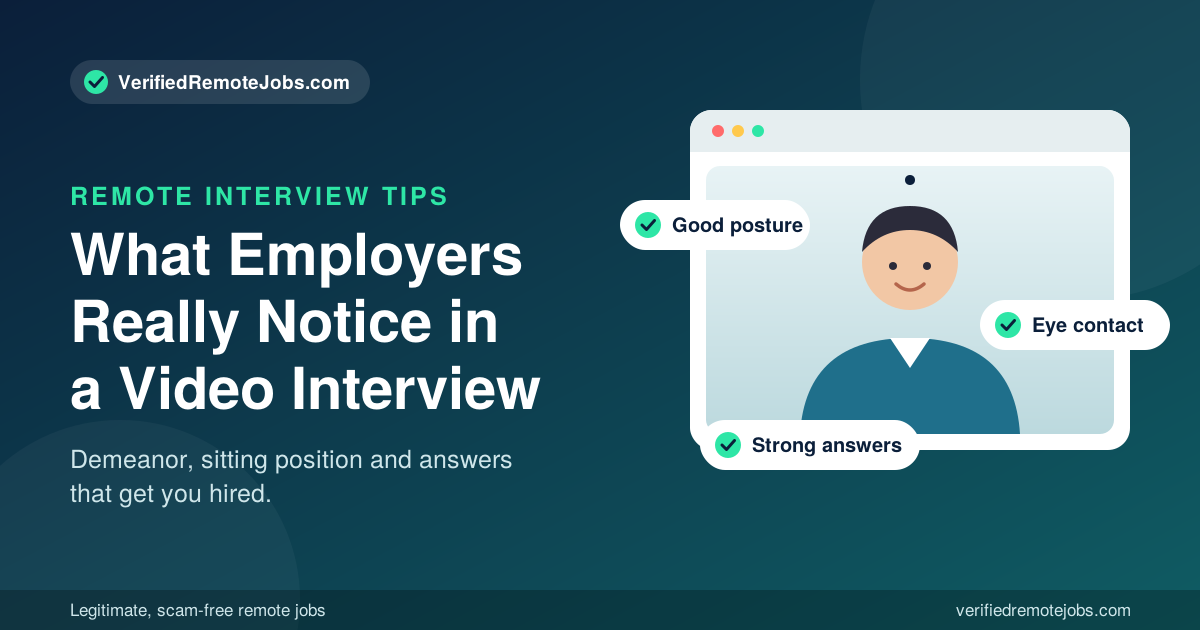
A remote job interview is about proving three things: you are skilled, you are easy to work with, and you can be trusted to do great work without someone looking over your shoulder. Your demeanor shows your personality, your posture shows your confidence, and your answers show your ability.
Practice on camera before the real thing. Record yourself answering a few questions, watch it back, and adjust. A little preparation can be the difference between another rejection email and an offer.
Ready to put these tips to use? Browse the latest verified remote jobs at VerifiedRemoteJobs.com and apply to legitimate, scam-free opportunities with confidence.
Comments (0)
No comments yet. Be the first to join the conversation.