

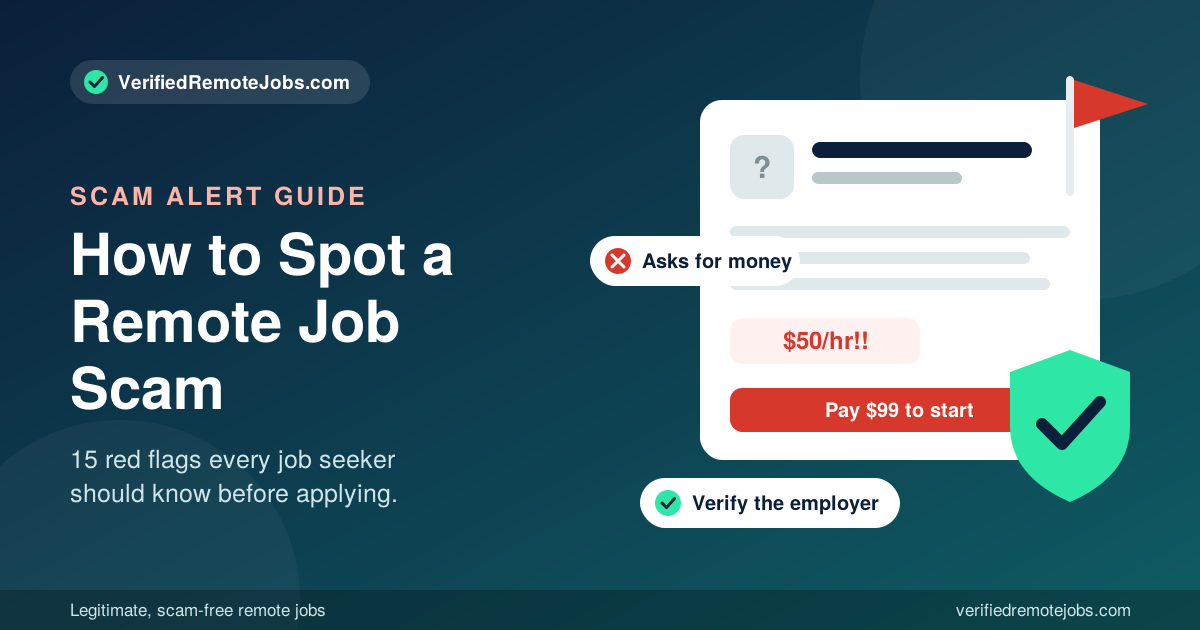
You found a remote job that looks perfect. The pay is good, the hours are flexible, and the recruiter replied within an hour. But a small voice in the back of your head asks: is this job actually legit?
That instinct is worth listening to. Fake employers invest real effort into looking professional, and a quick glance is rarely enough to tell the difference. The good news is that you do not need special tools or a lot of time. With the right checklist, you can verify almost any remote job in about 10 minutes.
This guide walks you through it step by step, with an approximate time for each check. If you want a broader look at warning signs first, read our guide to the 15 red flags of a remote job scam, then use this checklist to confirm any job you are considering.
Before You Start: What You Need
Open a few browser tabs and have these ready:
- The job posting or message you received
- The company name, the recruiter's name, and the recruiter's email address
- A notepad to jot down anything that does not match
The goal is simple: confirm that the company exists, that the recruiter works there, and that the job is real. If any one of those three fails, stop.
The 10-Minute Verification Checklist
Step 1: Search the company name with "scam" and "reviews" (1 minute)
Type the company name into a search engine, then try it again with the words "scam," "reviews," and "complaints." Look for reports from other job seekers, news stories, and discussions on sites like Reddit, Glassdoor, Indeed, and the Better Business Bureau.
Keep in mind that a lack of complaints does not prove a company is safe, especially if it is new. But a pile of warnings is a strong reason to walk away.
Step 2: Inspect the company website (2 minutes)
Visit the official website and look for:
- A clear description of what the company does and who its customers are
- A physical address, phone number, and contact page
- Real team members, case studies, or products
- A professional design without obvious copied text or stock-photo-only pages
- A working careers page
Then check how old the website is. A free WHOIS lookup shows when a domain was registered. A company claiming ten years of experience with a website that was created three weeks ago is a major warning sign.
Step 3: Compare the email domain (1 minute)
Look at the recruiter's email address. It should end with the company's real domain. Be careful with these:
- Free email accounts such as Gmail, Yahoo, or Outlook
- Lookalike domains such as "companyname-careers.com" when the real site is "companyname.com"
- Misspellings with swapped letters or extra characters
If the recruiter claims to represent a well-known brand but writes from an unrelated domain, treat it as a scam until proven otherwise.
Step 4: Confirm the job exists on the company's own careers page (2 minutes)
This is one of the most powerful checks. Go to the company's official website (type the address yourself, do not click links in the message) and look for the same job listing.
If you cannot find it, contact the company through the phone number or email listed on their official website, and ask whether the position is real and whether the recruiter works there. Real companies are used to this question, and many are grateful for it, since impersonation scams harm their reputation too.
Step 5: Verify the recruiter on LinkedIn (2 minutes)
Search for the recruiter's name and company on LinkedIn. A legitimate recruiter usually has:
- A profile with a real photo and a work history
- Connections and activity that go back years
- A job title that matches the company they claim to represent
Be suspicious of profiles with no photo, very few connections, a recently created account, or a job history that does not make sense. Also check whether the company has an official LinkedIn page with employees who list it as their workplace.
Step 6: Look up the business registration (1 minute)
Search your state's business registry (in the United States, this is usually through the Secretary of State) or the equivalent in your country. A real company should be registered. You can also check the Better Business Bureau for ratings and complaints.
If the company claims to be a large corporation but you cannot find any registration, or the name on the registration is unrelated, dig deeper before continuing.
Step 7: Review the hiring process itself (1 minute)
Now look at how they are treating you. Ask yourself:
- Have I spoken with a real person by phone or video?
- Was I asked for money, gift cards, or a check deposit at any point?
- Am I being pushed to decide quickly?
- Was I asked for sensitive details like a Social Security number or bank account before a written offer?
A "yes" to the last three questions, or a "no" to the first, means the process itself is failing, even if everything else looked good.
Quick Scoring Guide
Add up how many checks passed:
- 7 out of 7 passed: The job looks legitimate. Move forward, but still protect your personal information until you have a written offer.
- 5 or 6 passed: Proceed carefully. Find out why the other checks failed before you share any personal details.
- 4 or fewer passed: Walk away. The risk is not worth it.
No checklist is perfect, but a job that clears all seven checks is very unlikely to be a scam.
Extra Checks for High-Risk Situations
Some situations deserve more scrutiny.
If the recruiter contacted you first
Unsolicited messages are not always scams, but they are a common starting point. Ask the recruiter exactly where they found your profile and which specific skills made you a fit. Vague answers are a bad sign.
If the interview is over text or chat
Request a phone or video call. A legitimate employer will agree. If they refuse, make excuses, or keep pushing the conversation back to chat, stop.
If they want to send you equipment
Real employers often ship laptops or monitors directly to new hires. They do not send you a check and ask you to purchase equipment from a vendor of their choosing. Confirm the process in your written offer, and never forward money to anyone.
If you are asked to complete a test project
Short skills assessments are normal. Long, unpaid projects that look like real work for the company's actual clients are not. Be careful about delivering large amounts of work before you have a signed agreement.
If you receive an offer letter
Read it carefully. A real offer letter includes the company's legal name, your job title, compensation, start date, and who you will report to. It should not ask you to pay for anything. If the letter is vague, riddled with errors, or unsigned by a real person at the company, verify it before you reply.
What Legitimate Employers Do
It also helps to know what a real hiring process looks like. Legitimate remote employers typically:
- Post the job on their own website or a recognized job board
- Use a company email address
- Conduct at least one live phone or video interview
- Give you specific information about duties, pay, and benefits
- Provide a written offer before asking for sensitive paperwork
- Pay you for your work and never ask you to pay them
When the process matches this pattern, you can relax a little. When it does not, trust the checklist.
Save Time by Using a Verified Job Board
Running this checklist on every job gets tiring. That is why verified job boards exist. When a board screens employers before listing them, you start from a safer place and can spend your energy on writing a great application instead of investigating every posting. Even so, it is smart to keep the checklist handy for any job, especially one that reaches you by email or social media.
Frequently Asked Questions
How can I quickly tell if a remote job is legit?
Search the company name with "scam" and "reviews," confirm the job on the company's official careers page, make sure the recruiter uses a company email address, and verify that they hold a real position on LinkedIn. If any of these fail, do not continue.
Is a job offer without an interview legit?
Almost never. Real employers interview candidates, usually by phone or video. An offer with no interview is a major scam red flag.
How do I check if a company is real?
Visit the official website, look up the domain registration date, search the company on LinkedIn, check your state's business registry, and read reviews and complaints from other people.
Can a legit company contact me first on LinkedIn or by email?
Yes, real recruiters do reach out first. Verify the recruiter, confirm the job on the company's own site, and never share sensitive information until you have a written offer.
What should I do if I can't verify the company?
Do not apply, and do not share personal or financial information. If you cannot confirm that a company exists, the safest decision is to move on to another opportunity.
Is it rude to ask a recruiter to verify they work for the company?
No. Legitimate recruiters expect these questions, and good employers respect careful candidates.
Final Thoughts
Ten minutes of research is a small price to pay for protecting your time, your money, and your identity. Make the checklist a habit: search the company, inspect the website, compare the email domain, confirm the posting, verify the recruiter, check the registration, and review the hiring process.
The real jobs will pass these checks easily. The fake ones will not.
Ready to find a remote job you can trust? Browse verified remote jobs at VerifiedRemoteJobs.com and apply with confidence.
Comments (0)
No comments yet. Be the first to join the conversation.