

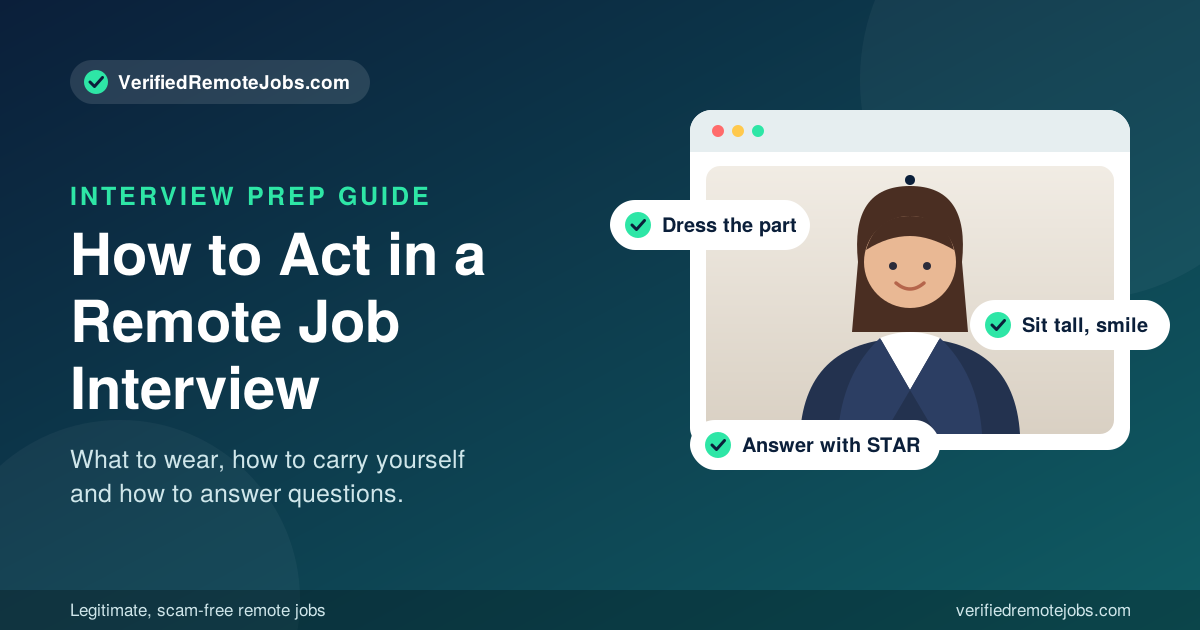
You can know exactly what employers are looking for and still feel your stomach drop when the interview link opens. Knowing what they notice is one thing. Knowing how to act is another.
This guide is written from your side of the screen. It walks you through how to prepare, what to wear, how to carry yourself, how to answer questions, and how to finish strong, so you walk into your next remote or video interview knowing exactly what to do.
If you want the hiring manager's point of view first, read our companion article on what employers notice during a remote interview. Then come back here to put it into practice.
Step 1: Prepare Before the Interview Day
The best interview behavior starts days before the call. Confident people are almost always prepared people.
Research the company
Spend 30 to 45 minutes learning what the company does, who its customers are, how it makes money, and what its culture looks like. Read the job posting twice and highlight the top five skills they want. Those five skills are what your answers should keep returning to.
Verify the employer
Before you invest time, confirm the company is real. Look for a working website, a company email address (not a free Gmail or Yahoo account), reviews from past employees, and a LinkedIn presence. Legitimate employers never ask you to pay for training, equipment, or a background check up front. On a verified job board this vetting is done for you, but a quick check never hurts.
Learn the format
Ask the recruiter whether it will be a live video call, a phone screen, or a recorded one-way interview. Find out which platform they use (Zoom, Google Meet, Microsoft Teams), how many people will be on the call, and how long it will last.
Prepare your stories
Write down three to five short stories from your work history that show problem solving, teamwork, handling pressure, and getting results. You will reuse these stories for many different questions.
Practice out loud
Reading answers in your head is not the same as saying them. Practice with a friend, or record yourself on your phone and watch it back. You will spot filler words like "um" and "like," and see habits such as looking away or fidgeting.
Step 2: Set Up Your Space and Tech
In a remote interview, your environment is part of your first impression. Treat it like walking into a clean, professional office.
- Test everything the day before. Check your camera, microphone, speakers, and internet. Join a test call with a friend if you can.
- Charge your device and plug in. Do not rely on a battery.
- Close everything else. Quit unused apps, silence notifications, and put your phone on do not disturb (but keep it nearby as a backup).
- Choose good lighting. Face a window or place a lamp behind your screen so light falls on your face.
- Pick a clean background. A blank wall, a tidy bookshelf, or a plain corner works. Remove laundry, clutter, and anything distracting.
- Use a headset. Clear audio matters as much as how you look.
- Prepare a backup. Keep a phone hotspot ready and the recruiter's phone number saved in case your connection drops.
- Keep essentials within reach. A copy of your resume, a notepad, a pen, and a glass of water.
Step 3: What to Wear to a Video Interview
Your clothes tell the employer you take the opportunity seriously. They also change how you feel. Dressing well tends to make you stand taller and speak with more confidence.
Dress one level above the company's style
If the company is casual, wear business casual. If it is a corporate environment, wear business professional. When in doubt, it is better to be slightly overdressed than underdressed.
Choose colors that look good on camera
- Solid, medium tones such as navy, blue, teal, burgundy, and gray work well.
- Avoid busy patterns, thin stripes, and tiny checks, which can shimmer on video.
- Avoid bright white, which can wash you out, and avoid colors that match your wall.
Keep it simple
- Skip large, noisy jewelry that clinks near the microphone.
- Keep grooming neat: tidy hair, trimmed facial hair, and a fresh look.
- Wear a complete outfit from head to toe. If you need to stand up unexpectedly, you will be glad you did.
Step 4: How to Carry Yourself During the Interview
This is where most candidates win or lose the interview, and it comes down to a handful of habits.
Start with a strong first minute
Log in five minutes early and wait in the lobby. When the interviewer joins, smile, say hello, and greet them by name. A warm opening sets the tone for everything that follows. Small talk is normal, so be friendly and natural.
Sit like you mean it
- Sit upright with your shoulders relaxed and your back supported.
- Lean forward just slightly to show you are engaged.
- Keep your camera at eye level so you are not looking up at the lens or down at it.
- Stay centered in the frame, with your head and upper chest visible.
Master eye contact on camera
Look at the camera lens when you speak, since that feels like eye contact to the other person. Glance at the screen when they are talking so you can read their expressions. Do not stare at your own image in the corner of the screen.
Use calm, natural body language
- Smile when it fits the conversation.
- Nod to show you are listening.
- Use small hand gestures inside the frame, and keep them relaxed.
- Avoid touching your face, twirling your hair, rocking in your chair, or tapping your pen.
Control your voice
- Speak a little slower than you normally would. Nerves speed you up.
- Keep your tone friendly and steady.
- Pause briefly before you answer. It makes you sound thoughtful.
- Do not talk over the interviewer, since video delays make interruptions easy.
Handle nerves in the moment
A slow breath in through the nose and out through the mouth before you answer can settle your body. If you blank on a question, say, "Let me gather my thoughts for a second." Interviewers respect honesty far more than rambling.
Step 5: How to Answer Interview Questions
Good answers are clear, specific, and relevant to the job. Use this simple approach.
Use the STAR method for experience questions
When you hear "Tell me about a time when...", structure your answer like this:
- Situation: Describe the context in one or two sentences.
- Task: Explain what you were responsible for.
- Action: Detail the specific steps you took.
- Result: Share the outcome, with numbers if possible.
For example: "Our support queue was growing by 20 tickets a day (Situation). I was asked to bring response times down (Task). I built a set of saved replies and sorted tickets by urgency each morning (Action). Within six weeks our average response time dropped by 35 percent (Result)."
Answer the most common remote interview questions
"Tell me about yourself." Give a 60 to 90 second summary: who you are professionally, one or two achievements, and why this role interests you.
"Why do you want to work remotely?" Focus on productivity and results. For example, you do focused work well in a quiet space, and you enjoy owning your schedule and delivering results.
"How do you stay organized and motivated at home?" Give real systems: a dedicated workspace, a daily priority list, time blocking, and tools like Trello, Asana, or Notion.
"How do you handle communication with a remote team?" Show that you are proactive. Mention clear written updates, quick replies, and asking questions early instead of waiting.
"What is your greatest weakness?" Pick a real, manageable weakness and show how you are improving it.
"Where do you see yourself in five years?" Show that you want to grow with the company. Keep it honest and tied to the skills this role will help you build.
"Why should we hire you?" Connect your top skills directly to the needs in the job posting, and mention one result that proves it.
Rules for every answer
- Keep answers between one and two minutes.
- Be honest. Never exaggerate or invent experience.
- Talk about "I" when describing your actions and "we" when describing team results.
- Never criticize a former employer or coworker. Focus on what you learned.
- End strong, and ask if they would like more detail.
Step 6: Questions You Should Ask the Employer
When they ask if you have questions, always say yes. Good questions prove you are thoughtful and serious about the role.
- What does a typical day or week look like for this position?
- How does the team communicate and collaborate remotely?
- How is success measured in the first 90 days?
- What tools and equipment does the company provide?
- What are the working hours, and are there required overlap times across time zones?
- What are the next steps in the hiring process?
Save salary and benefits questions for later in the process unless the interviewer brings them up first.
Step 7: Close the Interview and Follow Up
Finish with confidence
Thank the interviewer for their time, restate your interest in the role, and briefly mention why you would be a strong fit. Something like: "I am really excited about this opportunity, and I believe my experience in customer support would help your team right away."
Send a thank-you email within 24 hours
A short, personal thank-you email puts you ahead of many candidates. Thank them, mention one specific thing you discussed, and reaffirm your interest. Keep it to three or four sentences.
Be patient
If they gave you a timeline, wait until it passes before following up. If they did not, one polite check-in after about a week is perfectly fine.
Do's and Don'ts at a Glance
Do:
- Arrive early and test your tech
- Dress professionally from head to toe
- Look at the camera and smile
- Use specific examples and results
- Ask thoughtful questions
- Send a thank-you email
Don't:
- Eat, chew gum, or multitask on camera
- Read word for word from a script
- Speak badly about past employers
- Interrupt or rush your answers
- Sit in a messy or noisy space
- Forget to follow up
Frequently Asked Questions
How should I act in a job interview?
Stay calm, friendly, and professional. Make eye contact, sit upright, listen carefully, give specific examples, and show genuine interest in the role and the company.
What should I wear to a video interview?
Dress one level above the company's usual style, choose solid medium-tone colors, and wear a full outfit. Avoid bold patterns and noisy jewelry.
How do I calm my nerves before a remote interview?
Prepare your stories, practice out loud, and take a few slow breaths before you join. Log in early so you are not rushing.
How long should I take to answer an interview question?
Most answers should take one to two minutes. Be detailed enough to prove your point, and short enough to keep the conversation moving.
Is it okay to take notes during a video interview?
Yes. Brief notes show you are engaged. Just keep your eyes mostly on the camera and let the interviewer know you may jot down a few points.
Do I really need to send a thank-you email?
Yes. It is a simple step that shows professionalism and keeps you fresh in the hiring manager's mind.
Final Thoughts
Acting well in an interview is not about being perfect. It is about being prepared, respectful, and genuine. Set up your space, dress the part, carry yourself with calm confidence, answer with real examples, and follow up with gratitude. Do those things, and you will stand out from candidates who simply hope for the best.
The right remote job is out there. Start your search today at VerifiedRemoteJobs.com and apply to legitimate, scam-free positions from employers who are ready to hire.
Comments (0)
No comments yet. Be the first to join the conversation.